
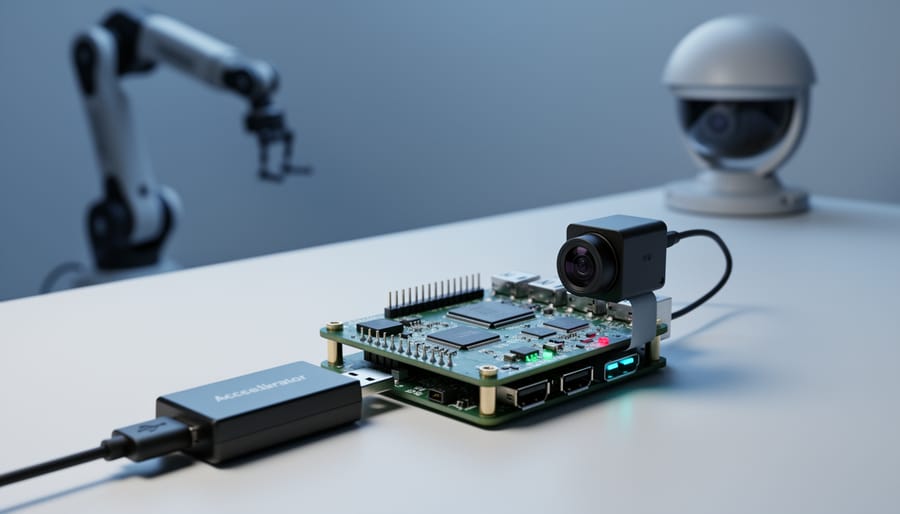
Deploy your first edge AI model by selecting a lightweight framework like TensorFlow Lite or ONNX Runtime, then compress your model through quantization to reduce its size by up to 75% without significant accuracy loss. Test your deployment on a Raspberry Pi or similar device before committing to production hardware, as this reveals real-world performance bottlenecks that cloud testing misses.
Edge AI computing transforms how we build intelligent systems by processing data directly on devices rather than sending it to distant servers. Your smartphone recognizing your face, a security camera detecting package theft, or a factory robot identifying defective parts—these all rely on edge AI. The technology solves a fundamental problem: cloud-based AI creates delays, privacy risks, and dependency on internet connectivity that many applications simply cannot tolerate.
When AI models fail in cloud environments, you can usually recover quickly. Edge deployment raises the stakes considerably. A model running on thousands of distributed devices cannot be easily updated or debugged, making reliability paramount from the start.
The practical benefits are compelling. Edge AI reduces latency from hundreds of milliseconds to single-digit milliseconds, enabling real-time responses that feel instantaneous. It eliminates ongoing cloud computing costs, which can exceed hardware expenses within months for data-intensive applications. Privacy improves dramatically since sensitive data never leaves the device, addressing regulatory requirements and user concerns simultaneously.
Understanding the deployment landscape requires grasping three core concepts: model optimization techniques that shrink AI models to fit resource-constrained devices, hardware accelerators that speed up inference through specialized chips, and deployment frameworks that bridge the gap between training environments and production devices. This foundation empowers you to make informed decisions about which tools match your specific requirements, whether you are building consumer products, industrial systems, or experimental projects.
What Edge AI Computing Actually Means (In Plain English)
Imagine you need to solve a math problem. You could pull out your phone’s calculator and get an instant answer, or you could call a mathematician across town and wait for them to call you back with the solution. Edge AI computing is like having that calculator right in your pocket—it processes artificial intelligence tasks directly on the device you’re using, rather than sending data to distant cloud servers.
In traditional cloud-based AI, your smartphone, security camera, or industrial sensor captures information and ships it off to powerful data centers for processing. Those servers crunch the numbers, make decisions, and send results back to your device. With edge AI, the intelligence lives on the device itself. Your smartphone recognizes your face without consulting the cloud. Your smart doorbell identifies package deliveries on its own. Factory robots detect defects in real-time without any internet connection.
This shift matters for three compelling reasons. First, speed becomes instantaneous. When edge AI devices process data locally, they eliminate the round-trip delay to cloud servers. For autonomous vehicles making split-second decisions or medical devices monitoring patient vitals, even milliseconds count.
Second, privacy gets a significant boost. Your voice commands, facial recognition data, and personal information stay on your device rather than traveling across networks to corporate servers. The AI model processes everything locally, keeping sensitive data under your control.
Third, reliability improves dramatically. Edge AI works even when internet connections fail. Remote locations, underground facilities, or areas with spotty connectivity can still benefit from intelligent automation. Your smart home doesn’t stop functioning during internet outages, and industrial equipment keeps optimizing production regardless of network status.
Think of edge AI as bringing the brain closer to the senses—reducing the distance between perception and action while maintaining independence from external infrastructure.
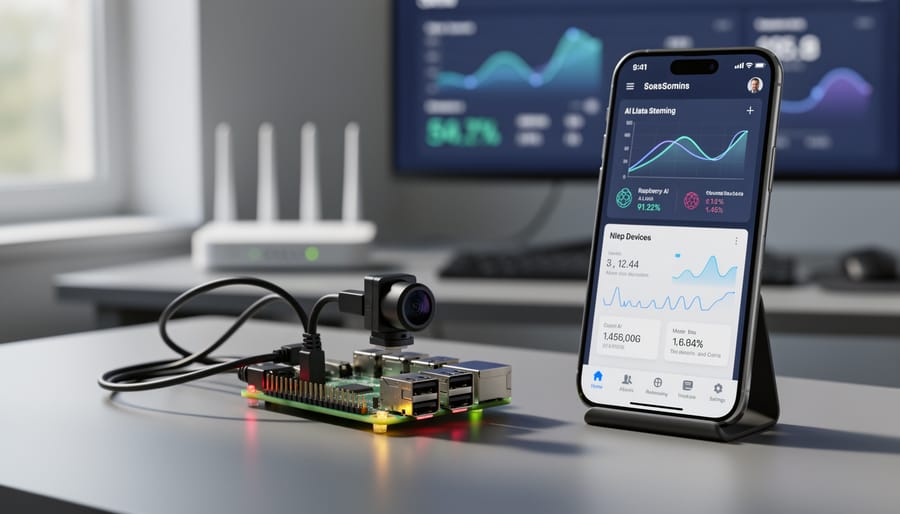
The Real Challenges That Make Edge AI Deployment Tricky
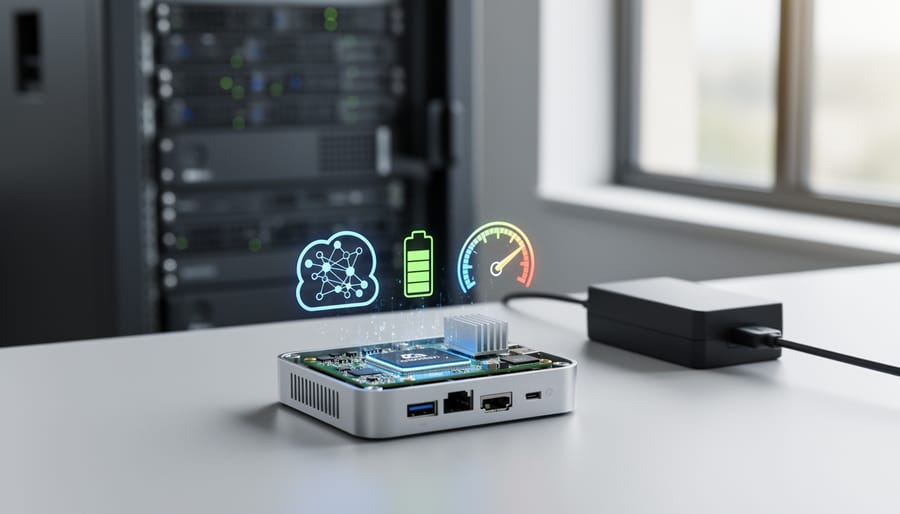
Limited Computing Power and Memory
Edge devices operate under dramatically different constraints than their cloud counterparts. While a cloud server might boast 128GB of RAM and multiple GPUs, a typical Raspberry Pi 4 offers just 4-8GB of RAM and relies on its CPU for processing. This gap creates real deployment headaches.
Consider a practical example: an image classification model that hums along nicely on your laptop, processing images in milliseconds, might take several seconds per image on a Raspberry Pi, or worse, crash entirely due to memory limitations. A deep learning model requiring 2GB of memory simply won’t load on devices with only 1GB available.
These constraints mean you can’t just take a model from your development environment and expect it to work on edge hardware. A model running TensorFlow with millions of parameters needs optimization before it can function on resource-limited devices. Think of it like trying to fit a full-size refrigerator into a tiny apartment—you need a compact version that maintains core functionality while fitting the space.
This reality drives the need for model compression techniques like quantization and pruning, transforming large models into lean versions that edge devices can actually handle. Understanding these limitations is the first step toward successful edge AI deployment.
Battery Life and Power Consumption
Battery life remains one of the toughest challenges when deploying AI on mobile phones, smartwatches, and IoT sensors. Here’s why: traditional AI models are power-hungry by design. Every calculation your device performs drains the battery, and complex neural networks require millions—sometimes billions—of calculations for a single prediction.
Think about a security camera running facial recognition 24/7. If it constantly uses full processing power, it might drain its battery in hours rather than days. The problem intensifies with multiple sensors collecting data simultaneously, each competing for limited energy reserves.
Edge AI deployment tools address this through model optimization techniques like quantization, which reduces computational demands by simplifying numerical calculations, and pruning, which removes unnecessary connections in neural networks. These methods can reduce power consumption by 50-75% while maintaining acceptable accuracy.
For battery-powered devices, developers must balance three competing factors: model accuracy, processing speed, and energy efficiency. Sometimes a slightly less accurate model that sips power beats a perfect model that demands frequent recharging.
Model Size and Optimization Needs
Think of AI models like luggage for a trip. A powerful cloud-based AI model is like packing your entire closet into multiple large suitcases—it contains everything you might need, but it’s impractical to carry around. During AI model training, models can grow to several gigabytes in size with billions of parameters, requiring substantial memory and processing power.
For edge devices like smartphones, drones, or smart cameras, this simply won’t work. These devices have limited memory (often just a few hundred megabytes available for AI), restricted battery life, and less powerful processors compared to data center servers. It’s like trying to fit that entire closet into a carry-on bag.
This is where model compression and optimization become essential. Through techniques like pruning (removing unnecessary parameters), quantization (reducing number precision), and knowledge distillation (training smaller models to mimic larger ones), developers can shrink models by 75-90 percent while maintaining accuracy. The result? AI that fits comfortably on your device and runs efficiently without draining resources.
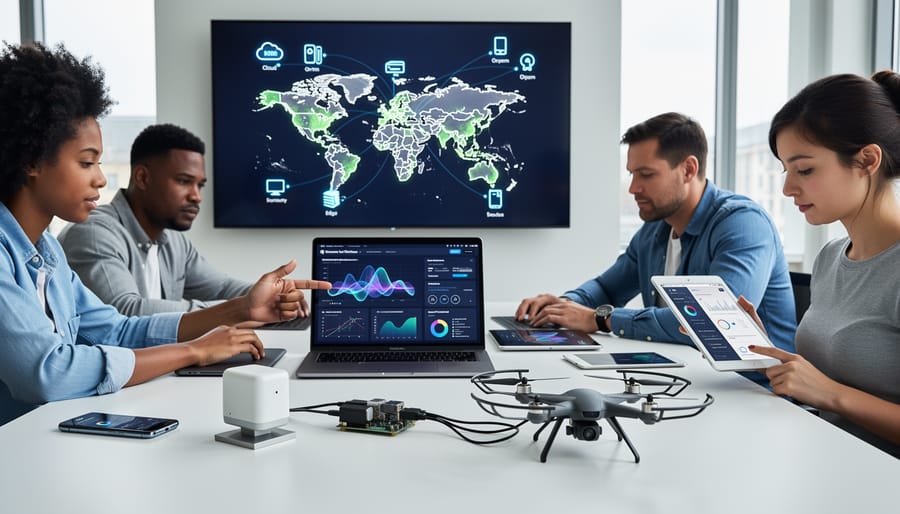
Essential AI Tools That Make Edge Deployment Possible
TensorFlow Lite: Your Go-To for Mobile and Embedded Devices
When you want to run AI models on smartphones, tablets, or IoT devices, TensorFlow Lite is often the first tool that comes to mind. Developed by Google, this lightweight framework takes existing machine learning models and optimizes them specifically for resource-constrained environments where every millisecond and every megabyte matters.
What makes TensorFlow Lite particularly popular is its versatility across platforms. It supports Android and iOS devices, Raspberry Pi boards, microcontrollers, and even embedded Linux systems. This cross-platform compatibility means you can develop once and deploy across multiple device types with minimal adjustments.
The magic happens through model optimization techniques. TensorFlow Lite converts standard TensorFlow models into a compact format, then applies quantization to reduce model size by up to 75 percent while maintaining reasonable accuracy. This compression is crucial when you’re working with devices that might have only a few gigabytes of storage and limited processing power.
Consider a practical example: image recognition on a smartphone. A fitness app might use TensorFlow Lite to identify exercises in real-time as you work out. The model runs entirely on your phone, analyzing your movements through the camera without sending video footage to the cloud. This means instant feedback, no internet dependency, and complete privacy for your workout sessions.
The framework also includes pre-trained models for common tasks like object detection, pose estimation, and text classification, making it easier for developers to get started without building models from scratch. For beginners exploring edge AI, TensorFlow Lite offers the perfect balance between capability and accessibility.
ONNX Runtime: The Universal Translator for AI Models
Imagine training a sophisticated AI model in PyTorch, only to discover your edge device works best with TensorFlow Lite. This is where ONNX Runtime becomes your essential ally. Think of it as the universal translator for AI models, seamlessly converting between different frameworks and platforms.
ONNX (Open Neural Network Exchange) Runtime accepts models from popular frameworks like PyTorch, TensorFlow, and scikit-learn, then optimizes them for deployment across diverse hardware. Whether you’re targeting smartphones, Raspberry Pis, or industrial IoT sensors, ONNX Runtime handles the heavy lifting of format conversion and performance tuning.
Here’s why this matters for edge developers: you’re no longer locked into a single framework ecosystem. A researcher might build a breakthrough model in PyTorch, while your production environment requires TensorFlow Lite. ONNX Runtime bridges this gap effortlessly, letting you choose the best tool for each stage of development.
The runtime also includes hardware-specific optimizations. Deploying to an Android device? It automatically leverages mobile processors efficiently. Working with specialized AI accelerators? ONNX Runtime configures the model accordingly. This flexibility dramatically reduces development time and eliminates the frustration of manual model conversions, making it particularly valuable for teams working with multiple platforms or evolving hardware requirements.
OpenVINO: Intel’s Secret Weapon for Edge Performance
Intel’s OpenVINO (Open Visual Inference and Neural Network Optimization) toolkit is a game-changer for developers deploying AI models on edge devices, particularly when working with Intel hardware. Think of OpenVINO as a translator that takes your trained AI model and optimizes it specifically for Intel processors, making it run faster and more efficiently.
The toolkit works by converting models from popular frameworks like TensorFlow and PyTorch into an optimized intermediate representation. This process can dramatically accelerate inference speeds, sometimes by 2-10 times compared to running the original model. For a retail store using computer vision to track inventory, this means processing video feeds from multiple cameras simultaneously on a single device rather than requiring expensive server infrastructure.
OpenVINO shines in scenarios requiring real-time processing. A manufacturing facility using the toolkit for quality inspection can analyze products on fast-moving assembly lines, catching defects instantly. Similarly, healthcare providers have deployed OpenVINO-optimized models for real-time patient monitoring, where split-second decisions matter.
The toolkit includes pre-trained models for common tasks like face detection and object recognition, allowing developers to jumpstart their projects. It supports various Intel hardware, from standard CPUs to specialized vision processing units, giving you flexibility as your deployment needs evolve.
Edge Impulse: The Beginner-Friendly Platform
If you’re just starting your edge AI journey and feel overwhelmed by complex toolchains, Edge Impulse offers a welcoming entry point. This end-to-end platform was specifically designed with beginners in mind, providing a streamlined path from data collection to deployment on actual hardware.
What makes Edge Impulse particularly approachable is its visual, web-based interface that eliminates the need for extensive coding knowledge. You can collect sensor data, train machine learning models, and deploy them to edge devices without diving deep into command-line operations or configuration files. Think of it as a guided tour through the entire edge AI development process.
The platform shines in its hardware compatibility, supporting popular development boards like Arduino, Raspberry Pi, and various microcontrollers. Whether you’re working with accelerometers, microphones, cameras, or environmental sensors, Edge Impulse provides pre-built processing blocks that handle the technical heavy lifting.
A real strength lies in its educational resources. The platform includes sample projects, detailed documentation, and step-by-step tutorials that walk you through building applications like keyword spotting, gesture recognition, and anomaly detection. You’re not just deploying models; you’re learning fundamental concepts along the way.
For students and hobbyists exploring edge AI for the first time, Edge Impulse removes traditional barriers while still delivering professional-grade results. The free tier offers generous access, making it perfect for learning and prototyping before scaling to production applications.
PyTorch Mobile: Bringing PyTorch to Your Pocket
PyTorch Mobile brings the power of PyTorch, one of the world’s most popular machine learning frameworks, directly to your smartphone. Developed by Meta (formerly Facebook), this toolkit lets developers take models trained on powerful computers and run them efficiently on iOS and Android devices.
The magic happens through optimization. PyTorch Mobile uses quantization, which reduces model size by converting 32-bit floating-point numbers to 8-bit integers, shrinking models by up to 75% without significant accuracy loss. It also employs operator fusion, combining multiple operations into single steps to speed up processing. These optimizations mean your phone can run sophisticated AI models without draining the battery or overheating.
Real-world applications are already everywhere. Instagram uses PyTorch Mobile for camera effects and content recommendations. Mobile health apps leverage it for on-device symptom checking, keeping sensitive medical data private. Language translation apps provide instant translations without internet connectivity, perfect for travelers.
Getting started is straightforward for Python developers familiar with PyTorch. You train your model normally, convert it to TorchScript (a optimized format), then deploy using PyTorch Mobile’s lightweight runtime. The framework handles the heavy lifting of platform-specific optimizations, letting you focus on building great AI-powered features that run entirely in users’ pockets.
How to Choose the Right Tool for Your Edge AI Project
Choosing the right deployment tool for your edge AI project doesn’t have to feel overwhelming. Think of it like picking the right vehicle for a journey—you wouldn’t use a sports car to move furniture, and you wouldn’t choose a truck for a quick city commute. Your edge AI software selection works the same way.
Start by asking yourself three fundamental questions. First, what device are you targeting? A Raspberry Pi has different capabilities than an industrial sensor or a smartphone. If you’re working with NVIDIA hardware like a Jetson device, TensorRT is purpose-built for that ecosystem and offers excellent performance. For broader device compatibility, TensorFlow Lite supports everything from mobile phones to microcontrollers.
Second, which framework do you already know? If you’ve trained your model in PyTorch, using PyTorch Mobile creates a smoother workflow than learning an entirely new system. Familiarity reduces development time and helps you troubleshoot issues faster. There’s no shame in choosing tools that match your existing skills—it’s actually smart project management.
Third, what are your performance priorities? If battery life matters most, look for tools emphasizing power efficiency. Need real-time responses? Prioritize low-latency options. Some projects demand the smallest possible model size, while others can sacrifice storage for better accuracy.
Here’s a practical starting point: most beginners find success with TensorFlow Lite because it balances ease of use with solid documentation and community support. It works across many devices and provides clear tutorials. As your needs grow more specific, you can explore specialized tools.
Remember that you’re not locked into your first choice forever. Many successful projects start with one tool for prototyping and switch to another for production deployment. The key is starting somewhere rather than getting paralyzed by options. Pick a tool that matches your immediate needs, build something small, and learn from the experience.
Real-World Examples That Show Edge AI in Action
Smart Security Cameras That Process Video Locally
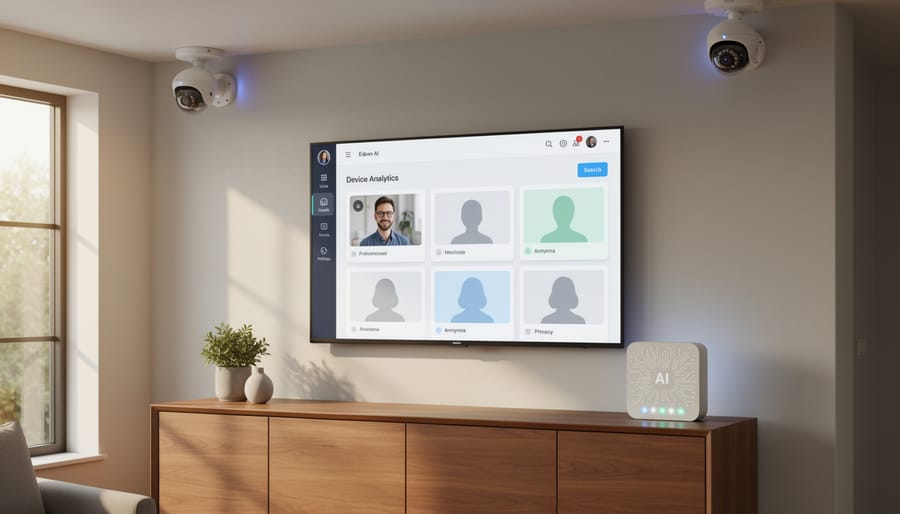
Smart security cameras equipped with edge AI represent one of the most compelling real-world applications of local processing. Instead of streaming every video frame to cloud servers, these cameras perform facial recognition and object detection directly on the device itself.
Here’s how it works: when the camera’s lens captures movement, an AI model running on an embedded processor instantly analyzes what it sees. It can distinguish between a person, a pet, or a delivery package within milliseconds, all without requiring an internet connection. The camera might recognize familiar faces at your front door or detect unusual activity in restricted areas.
This local approach delivers two significant advantages. First, privacy improves dramatically since your video footage never leaves your property. There’s no risk of recordings being intercepted during transmission or stored on third-party servers. Second, the response time is remarkably faster. Traditional cloud-based systems need to upload video, process it remotely, and send results back, which can take several seconds. Edge AI cameras react instantly, enabling real-time alerts and immediate automated responses like triggering lights or locks when needed.
Medical Devices That Analyze Data at the Bedside
Portable diagnostic devices equipped with edge AI are transforming patient care by delivering instant, accurate results without relying on constant internet connectivity. Consider a handheld ultrasound device that uses onboard AI to detect abnormalities in real-time, guiding physicians during emergency procedures in rural clinics or disaster zones where network access is unreliable or nonexistent.
These bedside analyzers process complex medical data locally, eliminating the delays and privacy risks associated with cloud-based systems. A blood analysis device, for example, can identify infections within minutes by running AI algorithms directly on its embedded processor, enabling faster treatment decisions. In ambulances, AI-powered ECG monitors analyze heart rhythms immediately, alerting paramedics to life-threatening conditions before reaching the hospital.
The reliability of edge AI becomes critical in connectivity-challenged environments like remote hospitals, military field stations, or underserved communities. By keeping data processing at the point of care, these devices ensure consistent performance regardless of network availability, making advanced diagnostics accessible to patients everywhere while maintaining data security and reducing response times when every second matters.
Autonomous Vehicles Making Split-Second Decisions
Imagine a self-driving car traveling at 60 miles per hour when a child suddenly runs into the street. In that critical moment, sending sensor data to a distant cloud server for processing could mean the difference between stopping safely and a tragedy. Even a delay of just 100-200 milliseconds from cloud communication could result in traveling several additional feet before braking begins.
This is why autonomous vehicles rely on edge AI computing. These cars are essentially mobile data centers, equipped with powerful processors that analyze input from dozens of cameras, radar, and lidar sensors in real-time. The AI models running locally can detect pedestrians, read traffic signs, predict other vehicles’ movements, and make navigation decisions within milliseconds.
Companies like Tesla and Waymo process most driving decisions directly onboard their vehicles, ensuring instant reactions to unexpected situations. While cloud connectivity remains useful for map updates and learning from collective fleet data, the life-or-death decisions happen at the edge, where split-second timing isn’t just convenient but absolutely essential for passenger and pedestrian safety.
Getting Started: Your First Steps with Edge AI Deployment
Ready to dip your toes into edge AI? The good news is that you don’t need a research lab or expensive equipment to start. With just a modest budget and genuine curiosity, you can begin deploying AI models on edge devices within days.
Start with a simple, tangible project that excites you. A smart doorbell that recognizes family members works beautifully as a first project. So does a basic gesture-controlled device or a plant monitoring system that detects when your herbs need water. The key is choosing something you’ll actually want to complete, not the most technically impressive idea.
For your first edge device, the Raspberry Pi 4 stands out as the ideal starting point. Priced around $55, it offers enough processing power for basic AI models while being forgiving to beginners. The Raspberry Pi community is massive, meaning you’ll find tutorials, troubleshooting guides, and forums filled with people who’ve solved the exact problem you’re facing. Alternative options include the NVIDIA Jetson Nano for more computer vision-intensive projects or even repurposing an old smartphone, which already contains surprisingly capable AI hardware.
When it comes to tools, resist the urge to learn everything at once. Pick one framework and stick with it for your first project. TensorFlow Lite is an excellent choice because it’s well-documented, widely used, and has extensive mobile and edge support. Once you’ve successfully deployed one model using TensorFlow Lite, you’ll understand the fundamental concepts that apply across all edge AI tools.
For learning resources, start with the official TensorFlow Lite tutorials, which walk you through converting and deploying pre-trained models. YouTube channels like “The Coding Train” and “sentdex” offer approachable video guides. The Edge Impulse documentation provides excellent end-to-end examples specifically designed for beginners.
Remember, your first deployment won’t be perfect, and that’s completely fine. Even experienced developers start with simple projects when learning new platforms. The goal is building confidence and understanding the workflow: train a model, optimize it for edge constraints, deploy it to your device, and see it work in the real world. That first successful deployment, watching your device make intelligent decisions independently, makes every frustrating debugging session worthwhile.
Edge AI computing isn’t just another tech buzzword destined to fade away. It’s rapidly becoming an essential part of how we build and deploy intelligent systems. As you’ve seen throughout this guide, the tools and frameworks available today make edge AI more accessible than ever before. Whether you’re a student experimenting with your first neural network or a professional exploring deployment options for production systems, there’s never been a better time to start.
The beauty of edge AI lies in its practical nature. You don’t need massive cloud infrastructure or enterprise budgets to begin your journey. Start small with a Raspberry Pi and TensorFlow Lite, or experiment with ONNX Runtime on your laptop. Each small project teaches you valuable lessons about model optimization, hardware constraints, and real-world deployment challenges. These hands-on experiences are worth more than any theoretical knowledge alone.
Remember that the edge AI landscape continues evolving at a remarkable pace. New tools emerge, existing frameworks improve, and hardware becomes more capable. Staying curious and continuing to learn will serve you well. Ask Alice offers extensive resources on AI fundamentals, machine learning deployment strategies, and emerging technologies to support your ongoing education in this field.
The democratization of edge AI means that transformative applications are no longer limited to well-funded tech giants. Individual developers and small teams can now create solutions that process data locally, protect privacy, and operate reliably without constant connectivity. Your next project could be the one that makes a real difference, running intelligence right where it’s needed most.